Overview
The Logbook section is used to record information obtained from fire safety documentation, maintenance records and site management records.
Completing these sections early in the assessment helps identify issues that may need to be followed up during the site inspection.
Opening the Logbook
- Open the assessment.
- Select Logbook from the assessment overview page.
- Choose the category you want to review.
Recording Information
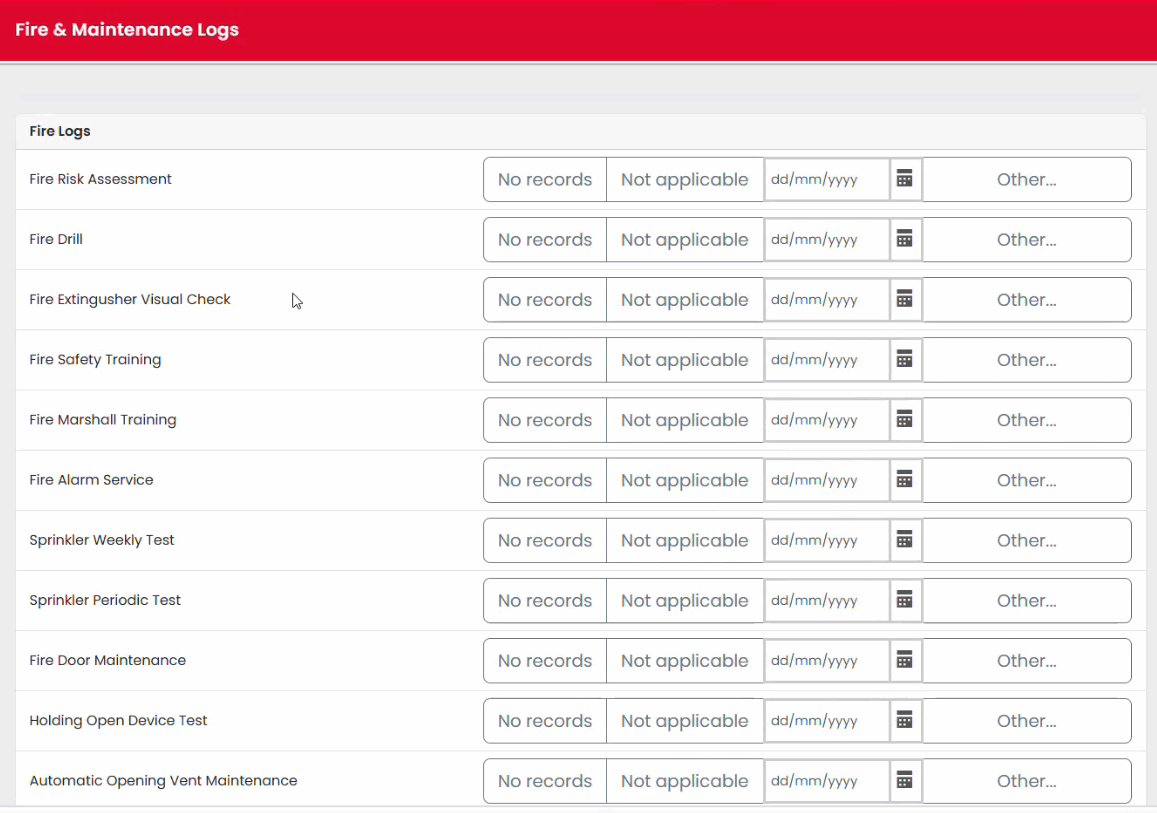
Each logbook category contains a series of options and questions relating to a particular area of fire safety management.
Examples include:
- Maintenance records
- Inspection records
- Fire safety documentation
- Testing records
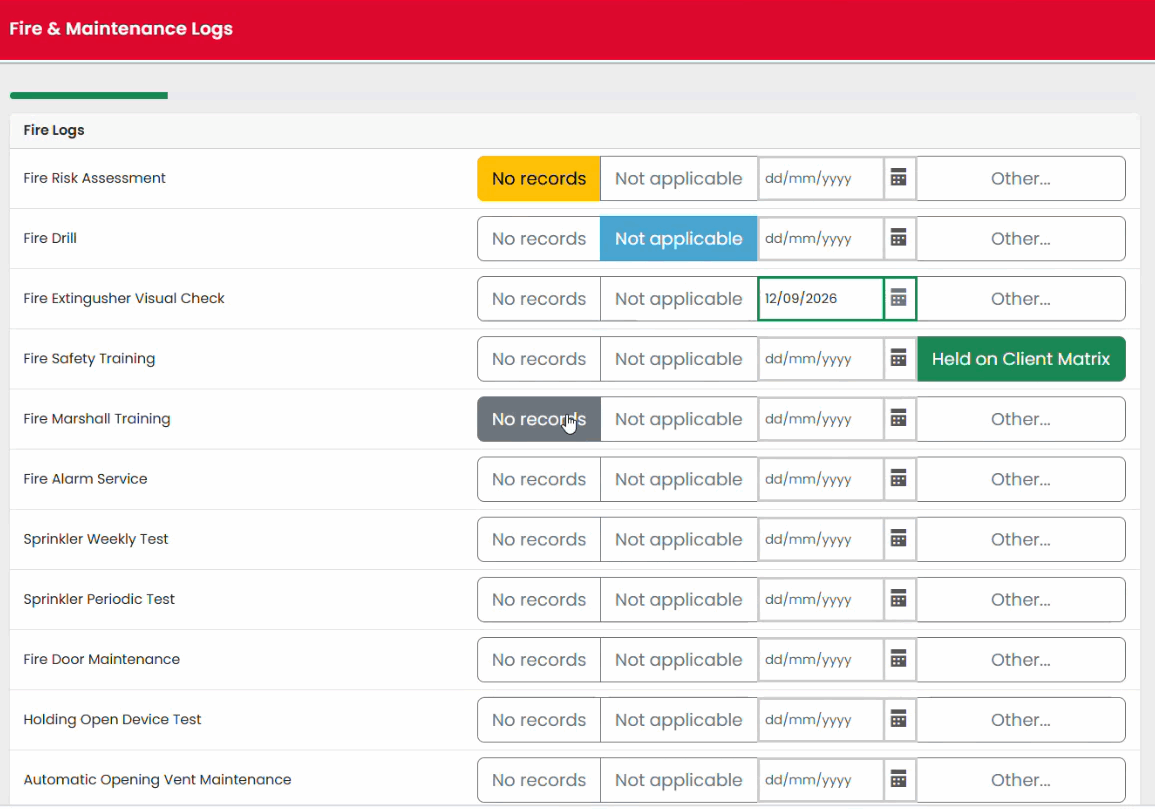
Select the option that best reflects the information available.
Monitoring Progress
As questions are completed, the progress indicator updates automatically.
This allows you to quickly see:
- Which areas are complete
- Which areas still require attention
- Overall completion progress within the logbook section
Identifying Follow-Up Actions
Information recorded in the Logbook may reveal deficiencies that require an action to be raised.
For example:
- Missing maintenance records
- Missing testing records
- Incomplete documentation
Where an issue is identified, record an appropriate action using the Issues View.
Completing the Logbook Section
- Work through each applicable category.
- Ensure all relevant information has been recorded.
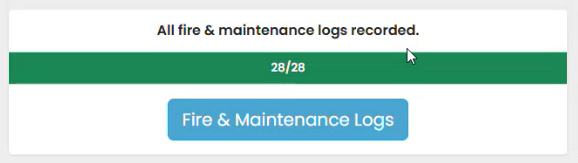
- Review the progress indicator.
- Select Finish when complete.
Best Practice
Complete the Logbook review before commencing the physical inspection of the premises. This helps identify areas requiring additional attention during the site walkaround.
Was this article helpful?
That’s Great!
Thank you for your feedback
Sorry! We couldn't be helpful
Thank you for your feedback
Feedback sent
We appreciate your effort and will try to fix the article