Overview
Assessment Recorder is the application used by Fire Risk Assessors to receive assigned assessments, conduct site-based fire risk assessments, record findings, and return completed assessments for review and validation. The application supports both online and offline working, allowing assessments to be completed even where internet access is unavailable.
The assessment workflow is designed to follow the natural assessment process:
- Download assigned assessments.
- Complete building and logbook information.
- Record observations and actions.
- Add plans, locations and photographs.
- Review findings.
- Sign off the assessment.
- Return the completed assessment to the system.
Key Features
Assessment Management
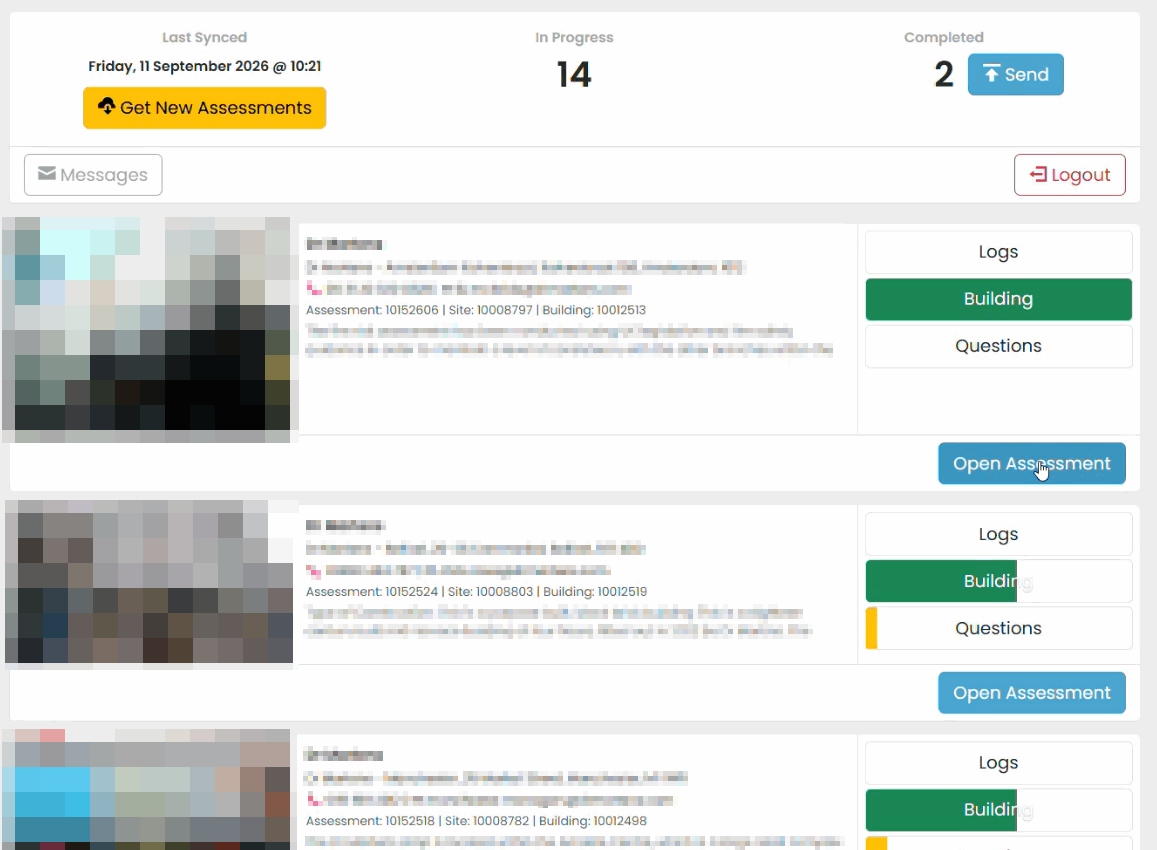
- Download assessments assigned to you.
- View assessments currently in progress.
- Track completion progress for each assessment.
- Return completed assessments to the system.
Online and Offline Working
Assessment Recorder stores information locally on the device while you work. Internet connectivity is not required while conducting an assessment. When connectivity becomes available, information can be synchronised automatically.
Progress Tracking
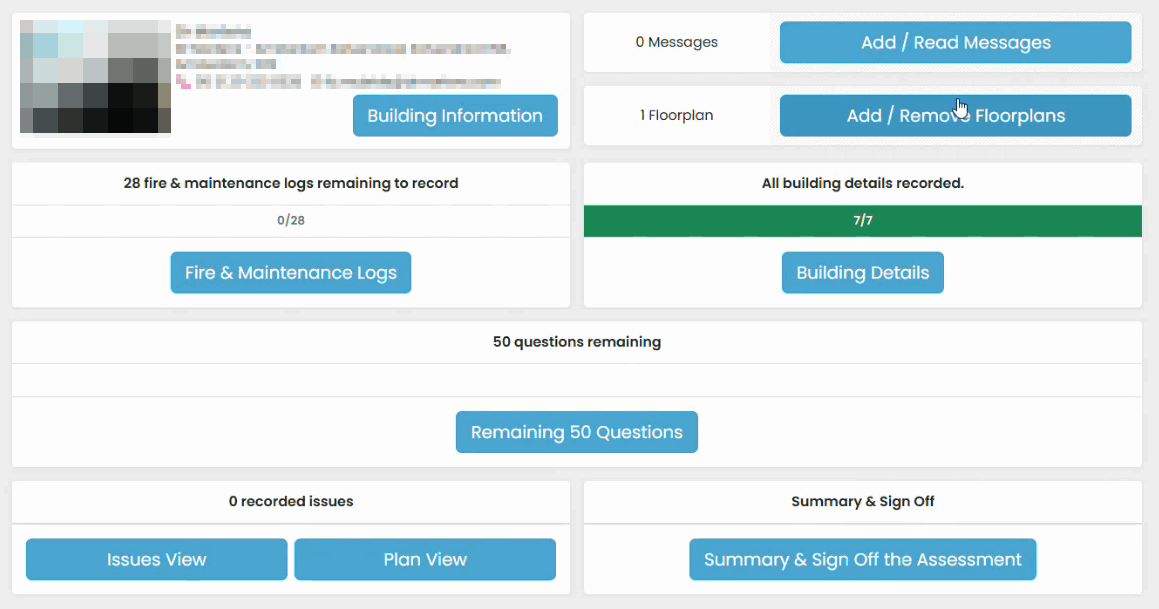
Progress indicators show completion status for each section of an assessment, helping ensure all required information has been recorded before submission.
Assessment Evidence Collection
You can:
- Record issues and actions.
- Add floor plans.
- Capture photographs.
- Create internal notes.
- Record audio notes.
Assessment Lifecycle
An assessment normally progresses through the following stages:
Assigned → Downloaded → In Progress → Completed → Returned → Reviewed → Validated → Released
Related Articles
Was this article helpful?
That’s Great!
Thank you for your feedback
Sorry! We couldn't be helpful
Thank you for your feedback
Feedback sent
We appreciate your effort and will try to fix the article