Overview
Assessment Recorder is designed to support offline working. Internet access is not required while conducting an assessment, allowing fieldwork to continue even in locations with limited or no connectivity.
Assessment data is stored locally on the device and synchronised when a connection becomes available.

How Offline Working Operates
While completing an assessment:
- Information is stored on the device.
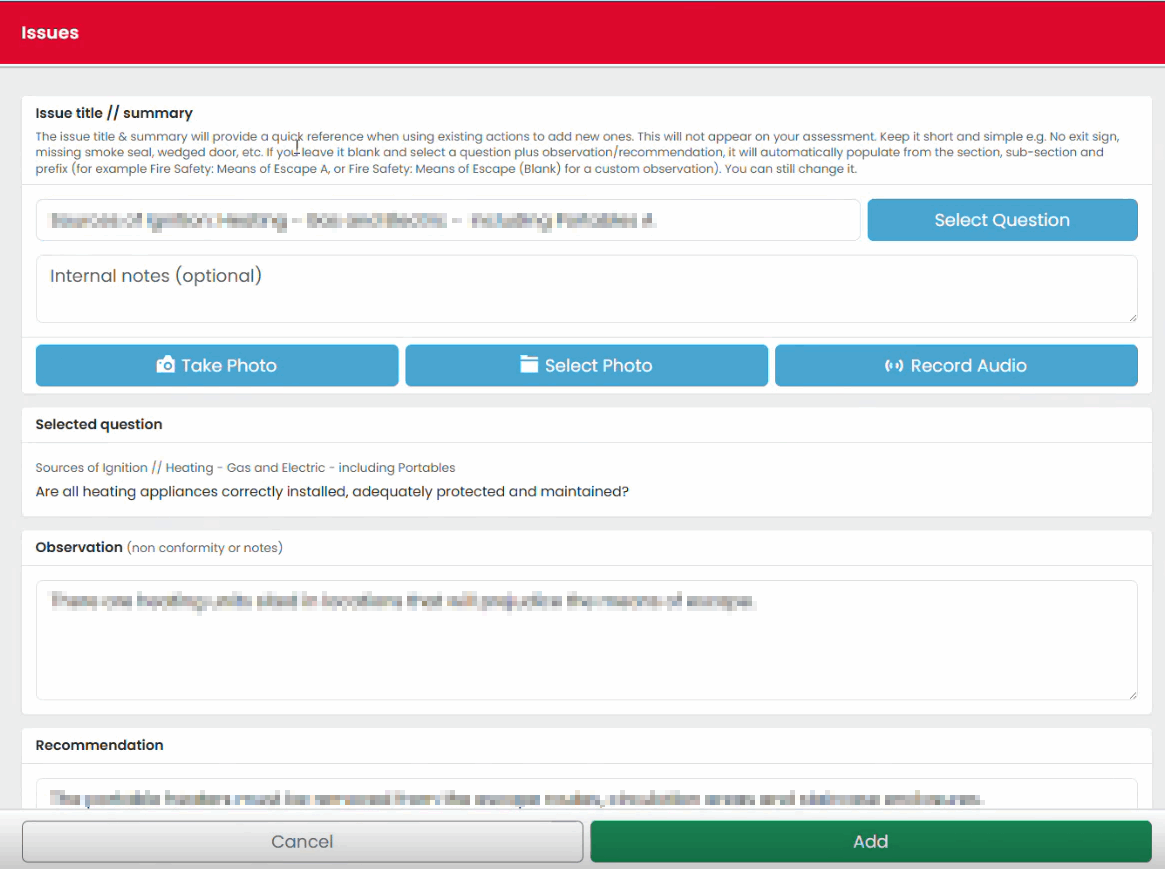
- Issues can be recorded normally.
- Floor plans can be viewed and updated.
- Photographs can be captured and attached.
- Notes and observations can be recorded.
No active internet connection is required to perform these tasks.
Automatic Data Synchronisation
When connectivity becomes available:
- Assessment data can be uploaded.
- New assignments can be downloaded.
- Progress can be synchronised with the system.
Any internet connection may be used, including Wi-Fi or other available connectivity methods.
Protecting Assessment Progress
One of the benefits of synchronisation is that assessment progress can be preserved outside of the device.
Synchronised progress can be recovered if a replacement device is required, helping maintain continuity of work.
Recommended Working Practice
When carrying out multiple assessments during the day:
- Complete assessment work normally.
- Connect to the internet when practical.
- Allow a synchronisation to occur.
- Continue with the next assessment.
Regular synchronisation reduces the risk of losing unsynchronised work and ensures progress is backed up to the system.
Checking Synchronisation Status
The status bar displays synchronisation information, including:
- Last synchronisation time
- Device status
- Assessment counts
Review this information regularly to confirm that data is being synchronised successfully.
Best Practice
For the best experience:
- Download assigned assessments before travelling to site.
- Synchronise whenever a reliable connection becomes available.
- Perform a final synchronisation before completing your working day.
- Verify important assessments have been returned successfully.

Was this article helpful?
That’s Great!
Thank you for your feedback
Sorry! We couldn't be helpful
Thank you for your feedback
Feedback sent
We appreciate your effort and will try to fix the article