Overview
The Needs Validation area displays assessments that require validation. This provides Validators with a dedicated location for identifying assessments awaiting review.
Use this area to:
- Identify assessments requiring validation.
- Review assessment information before validation begins.
- Open assessments for further investigation.
- Monitor incoming validation work.
Opening Needs Validation
- Select Needs Validation from the navigation menu.
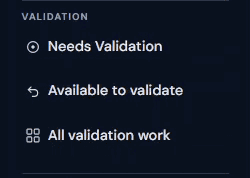
The Needs Validation page opens and displays assessments awaiting validation.
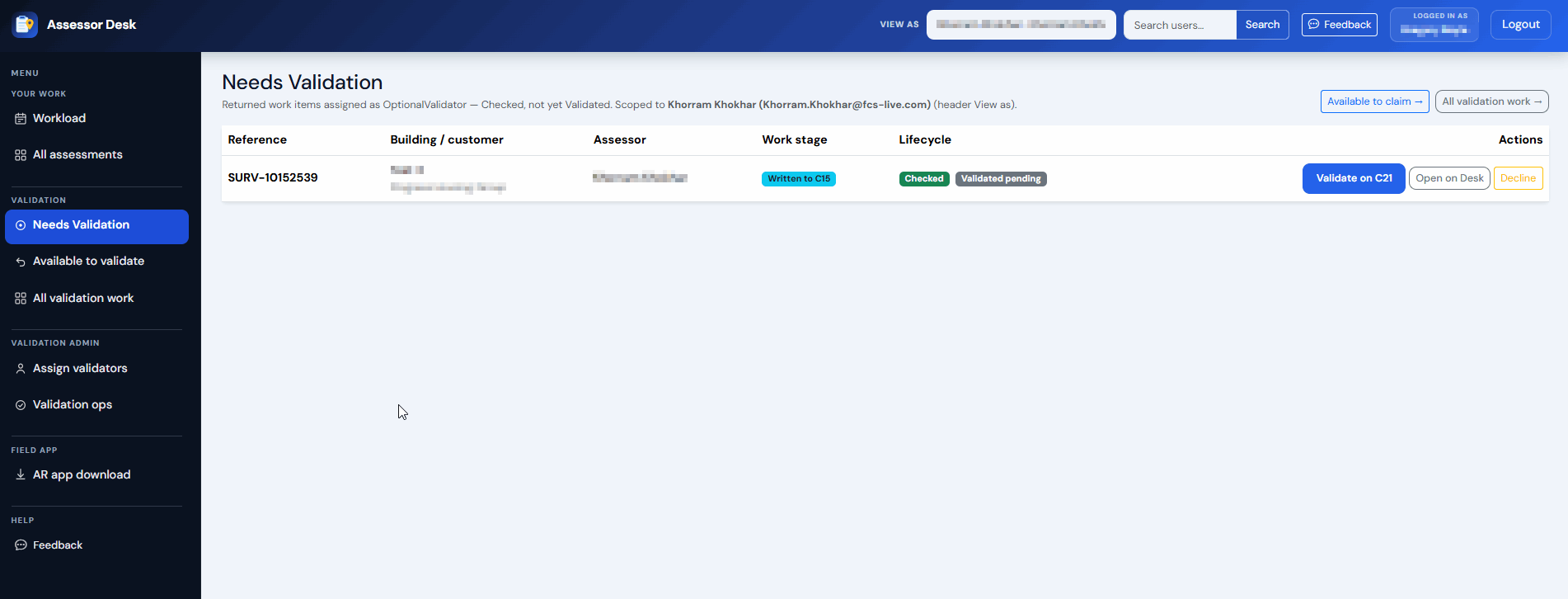
Understanding the Needs Validation List
The list displays assessments that require validator attention.
Information shown may include:
- Assessment reference number
- Building name
- Customer
- Assessor
- Work stage
- Lifecycle
This information helps Validators quickly identify assessments ready for review.
Reviewing Work Stage (Status)
Each assessment displays its current status.
Examples may include:
- Written to C15
Reviewing the status helps determine where the assessment currently sits within the workflow.
For more information, see Understanding Assessment Statuses.
Opening an Assessment
To review an assessment:
- Locate the required assessment.
- Select the assessment from the list > Open On Desk
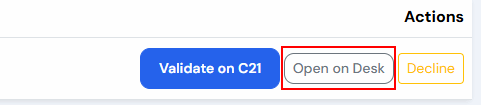
The Assessment Detail page opens.
Reviewing Assessment Information Before Validation
Before beginning validation activities, it is recommended that you review the assessment details.
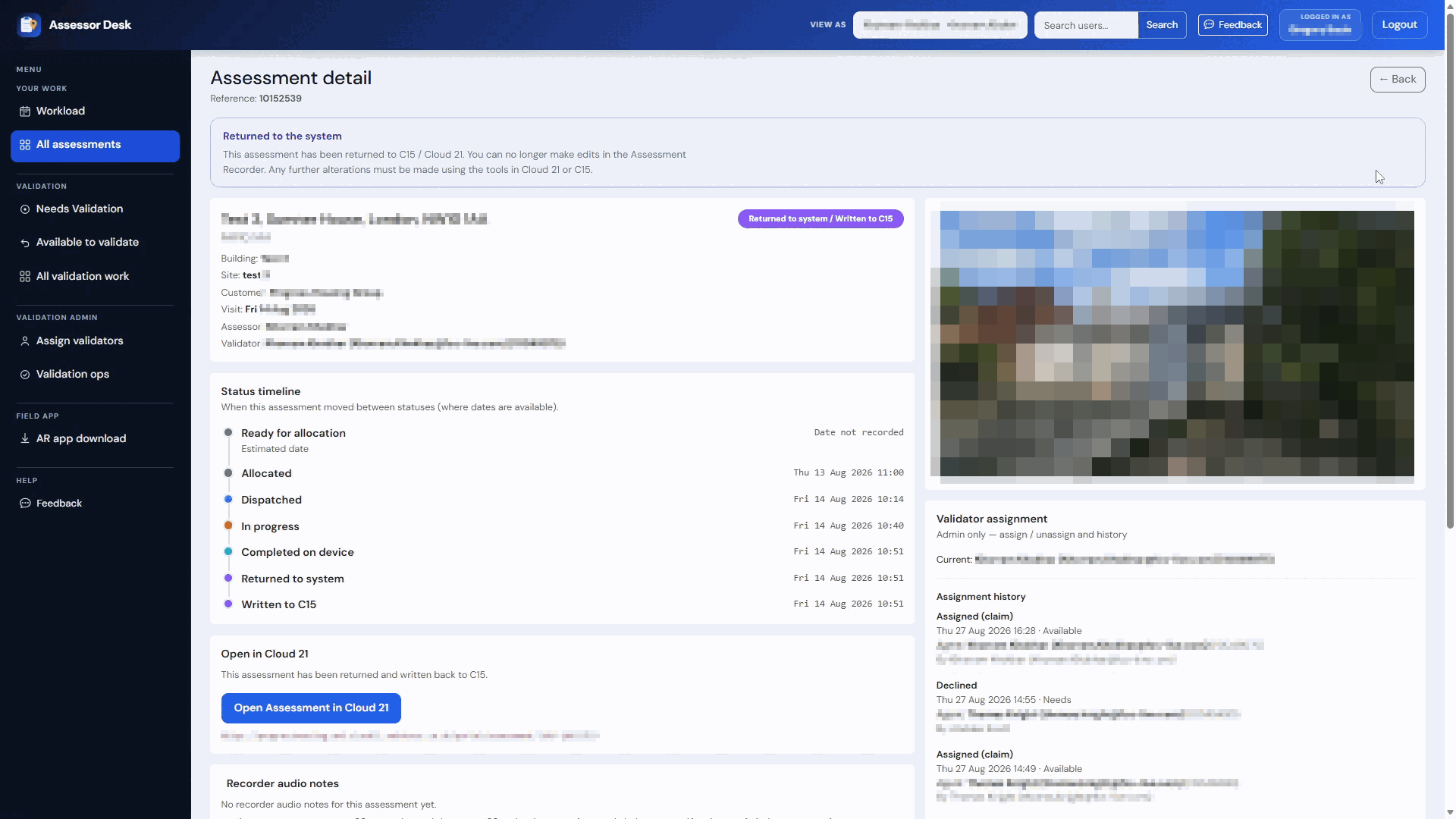
Review:
- Assessment reference
- Building information
- Site
- Customer
- Assessor
- Current status
This helps confirm that you are reviewing the correct assessment.
Reviewing the Assessment Timeline
The Status Timeline provides additional information about how the assessment has progressed through the workflow.
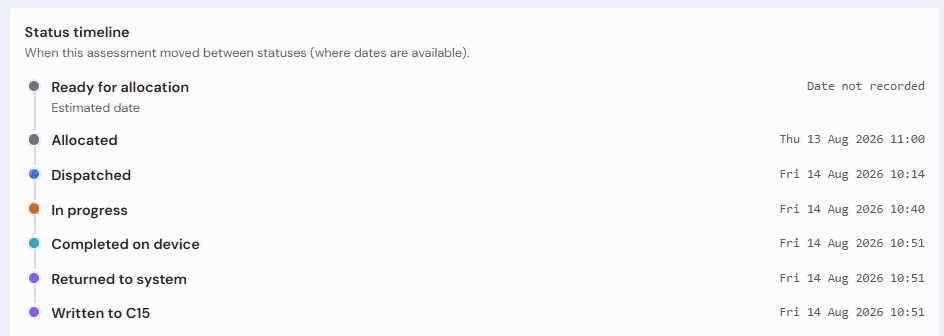
Reviewing the timeline can help you understand:
- When the assessment was completed.
- When it was returned to the system.
- Whether it has progressed through earlier workflow stages.
Opening the Assessment in the new Portal
When more detailed review is required:
- Open the assessment.
- Select Open Assessment in Portal.
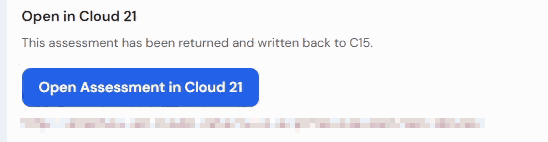
This provides access to the full assessment record, findings, action plans, reports and lifecycle information.
Reviewing Validation Information
Where available, review:
- Validator information
- Assignment history
- Lifecycle information
- Validation documents
- Recorder audio notes

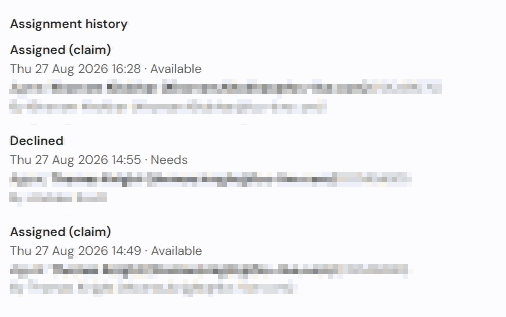
This information can provide additional context before validation work is carried out.
Monitoring Validation Work
The Needs Validation area should be reviewed regularly to identify new assessments awaiting validation.
Using this area as part of your daily workflow helps ensure assessments are reviewed promptly and progress through the validation process efficiently.
Tips
- Review assessment details before beginning validation activities.
- Check the assessment timeline if you need to understand workflow history.
- Open the assessment in the new Portal when detailed assessment information is required.
- Use the Needs Validation area as your primary queue for identifying assessments awaiting review.
Next Steps
Continue with:
- Claiming an Assessment to Validate
- Viewing Validation Work
- Assigning Validators (Authorised Users Only)
Was this article helpful?
That’s Great!
Thank you for your feedback
Sorry! We couldn't be helpful
Thank you for your feedback
Feedback sent
We appreciate your effort and will try to fix the article