Overview
The All Validation Work area provides a central view of validation activity within Assessor Desk. It allows Validators and authorised users to review assessments that are currently involved in the validation process.
Use this area to:
- Monitor validation activity.
- Review assessment progress.
- View assignment information.
- Open assessments for further investigation.
- Locate assessments already being worked on within the validation process.
Opening All Validation Work
- Select All Validation Work from the navigation menu.
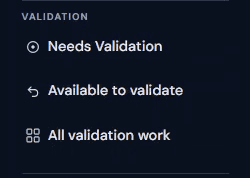
The All Validation Work page opens and displays assessments currently involved in validation activities.
Understanding the Validation Work List
The Validation Work list provides visibility of assessments progressing through validation.
Information displayed may include:
- Assessment reference number
- Building name
- Customer
- Assessor
- Work stage
- Lifecycle
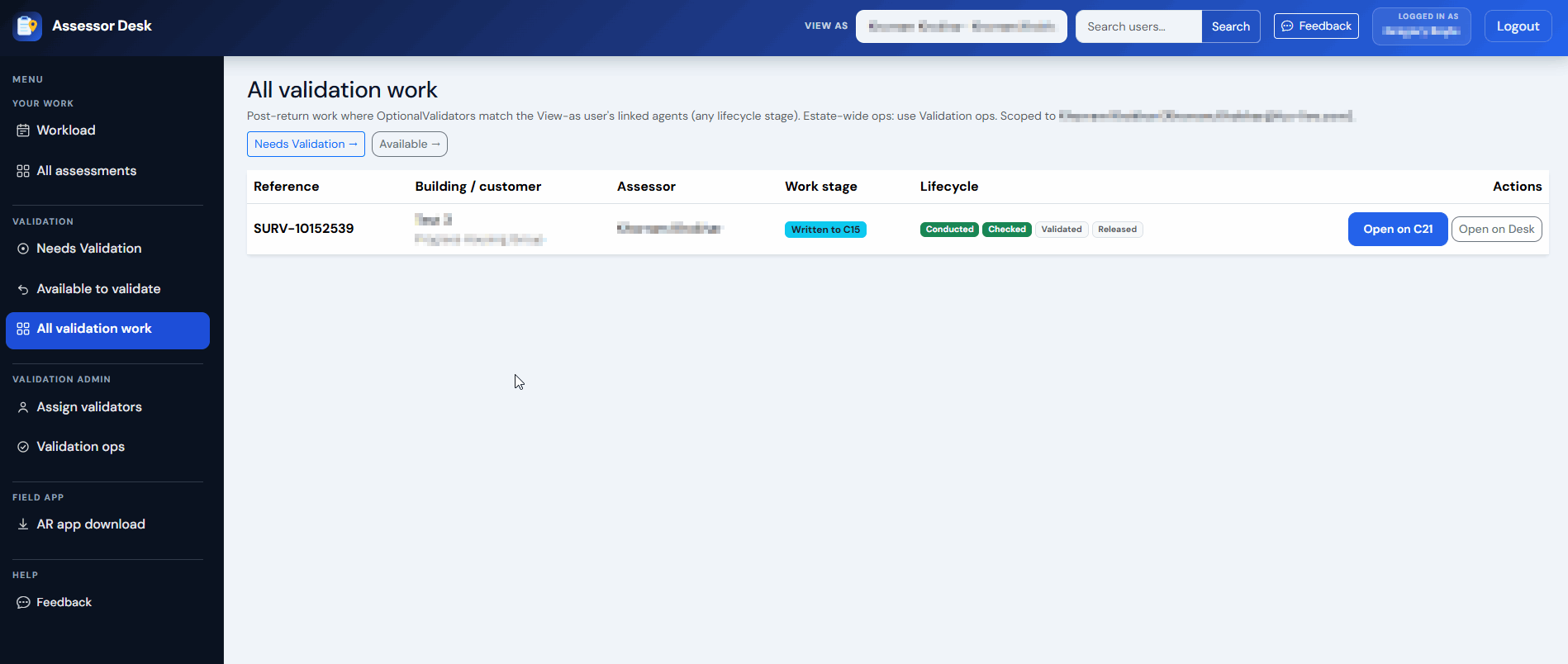
This information allows you to quickly identify the current state of validation work.
Opening an Assessment
To review an assessment in more detail:
- Locate the required assessment.
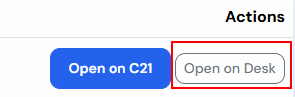
- Select the assessment from the list > Open In Desk
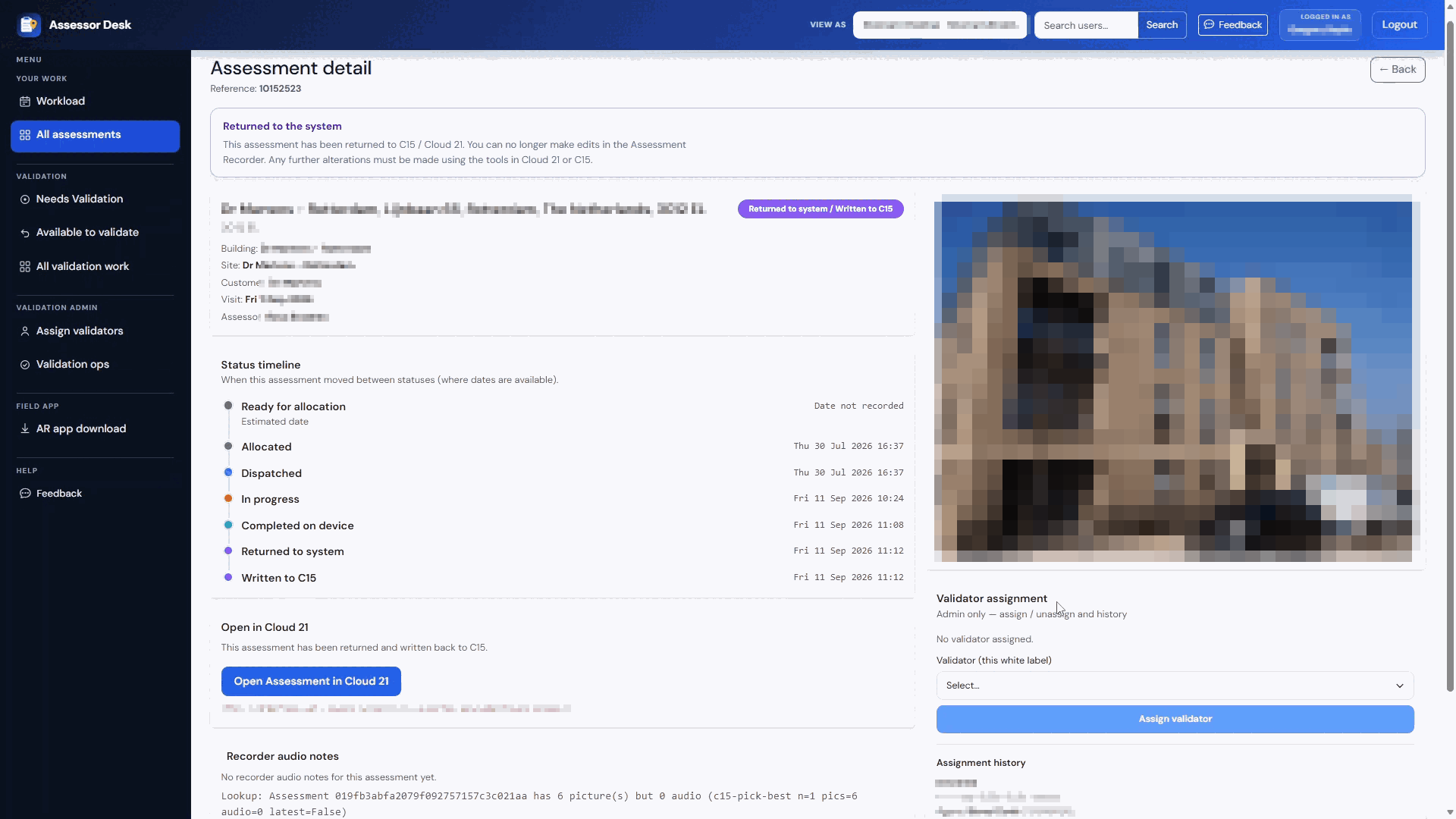
The Assessment Detail page opens.
From here you can:
- Review assessment details.
- View the assessment timeline.
- Review validation information.
- View assignment history.
- Open the assessment in the Portal.
Reviewing Assignment History
If assignment information is available, it can be viewed on the Assessment Detail page.
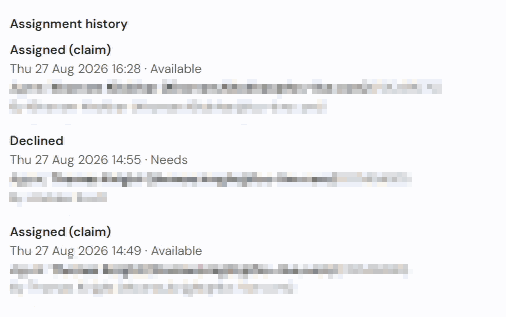
Assignment history may include entries relating to:
- Validator assignments.
- Unassignments.
- Claimed validation work.
- Declined validation work.
This provides a useful audit trail when reviewing validation activity.
Opening the Assessment in the Portal
Detailed assessment information can be reviewed in the Portal.
- Open the assessment.
- Select Open Assessment in Portal.
The Portal provides access to:
- Findings
- Action Plans
- Assessment reports
- Lifecycle information
- Validation information
Monitoring Validation Progress
The All Validation Work area provides a useful overview of validation activity across multiple assessments.
Use this area to:
- Monitor active validation work.
- Track assessment progression.
- Review assignment information.
- Investigate the status of assessments.
This makes it easier to understand the overall position of assessments currently moving through validation.
Tips
- Use All Validation Work when you need a broader view than the Needs Validation or Available to Validate areas.
- Review assignment information before contacting colleagues about validation activity.
- Open the Assessment Detail page when additional information is required.
- Use the Portal when detailed assessment content needs to be reviewed.
Next Steps
Continue with:
- Assigning Validators (Authorised Users Only)
- Managing Work in Validation Ops (Authorised Users Only)
- Downloading the Assessment Recorder App
Was this article helpful?
That’s Great!
Thank you for your feedback
Sorry! We couldn't be helpful
Thank you for your feedback
Feedback sent
We appreciate your effort and will try to fix the article